

If you’re selling online right now, you’re about to experience the biggest shift in ecommerce since mobile shopping took over.
Google just rolled out something called the Universal Commerce Protocol, and it’s going to change where your customers find you, how they shop, and where they complete their purchases.
What does this mean for online shopping? People won’t need to visit your website anymore to buy from you. They’ll just chat with Google’s AI, and the transaction happens right there in the conversation.
Here’s what you need to understand: for the past 20 years, your job as an online seller was to get people to click through to your site. You optimized for keywords, built landing pages, and hoped they’d make it through checkout without abandoning their cart. That model is dying. In this new world, Google’s AI does the shopping on behalf of your customer, and your store needs to be ready to transact with that AI directly.
But the good news? If you set this up correctly, you get access to a completely frictionless sales channel. No more cart abandonment. No more customers bouncing because they don’t trust a site they’ve never heard of. The bad news? If you don’t adapt, you might as well be invisible.
This guide breaks down exactly what UCP is, how it works, and what you need to do to get your store ready.
Jump right in: Google’s Universal Commerce Protocol (UCP)
- What Is the Universal Commerce Protocol and Why It Matters
- How Google’s AI Shopping Tools Work for Your Store
- Platform Setup Overview: Shopify vs. WooCommerce vs. Custom
- Why Your Product Data Just Became More Important Than Your Website
- Setting Up Your Business Agent
- The Risks You Actually Need to Worry About
- What Happens Next: Roadmap and Timeline
What Is the Universal Commerce Protocol and Why It Matters
UCP is an open standard that lets AI assistants buy things from your store without a human ever touching your website.
HTTP is the protocol that lets web browsers talk to websites. UCP is the protocol that lets AI agents talk to online stores. Google developed it with Shopify, Walmart, and Target, and they’re positioning it as the “language of AI commerce.”

The Shift from Search-and-Click to AI-Powered Shopping
For two decades, online shopping worked the same way. A customer searches Google, clicks a link to your store, browses around, adds items to cart, and (maybe) checks out. Every step is a chance to lose them.
Now? The customer asks Google’s AI: “I need running shoes for flat feet under $120.” The AI searches across thousands of stores, finds the best matches, answers follow-up questions about sizing and return policies, and processes the purchase without the customer ever leaving the chat interface.
Your store is still making the sale. You’re still the merchant of record. You own the customer data and the transaction. But the customer never saw your homepage.
This is agentic commerce. The AI acts as an agent on behalf of the shopper, handling the entire purchase journey autonomously.

How UCP Changes Where Customers Find and Buy From You
Visibility is no longer about SEO rankings or ad spend alone. It’s about data readiness.
An AI agent can’t “see” your beautiful product photography or clever copywriting. It reads structured data. If your product feed has incomplete attributes, vague shipping information, or missing compatibility details, the AI will skip you and recommend a competitor with better data.
The website is becoming a secondary asset. Your primary interface with customers is now your product feed and your ability to speak the UCP protocol. This is a huge advantage for small sellers who never had the budget to compete on web design or paid ads, but it’s a threat to anyone who’s been coasting on brand recognition without maintaining their backend data.
How Google’s AI Shopping Tools Work for Your Store
Google launched three interconnected tools that make up this new shopping experience. You need to understand all three.

Business Agent: Your AI Sales Assistant in Google Search
Business Agent is a chatbot that represents your store inside Google Search and the Gemini app. When someone searches for products you sell, your Business Agent can pop up and answer questions about your inventory.
It’s trained on your Google Merchant Center feed, your website content, and any additional documents you upload (size charts, care instructions, return policies). When a customer asks “Does this rug fade in sunlight?” the agent scans your product descriptions and documentation to give an accurate answer.
What it does:
- Answers product questions in natural language
- Helps customers compare items in your catalog
- Suggests alternatives when something is out of stock
- Initiates checkout directly in the chat
What you can customize:
- Brand voice and tone (formal vs. casual)
- Welcome messages
- Conversation starters (“Ask me about our organic sourcing process”)
- Visual branding (logo, colors)
To activate Business Agent, you need to be US-based with a verified Google Merchant Center account, a claimed Brand Profile, and at least 50 approved product listings. That 50-product minimum is a filter against dropshippers and micro-sellers, so if you’re below that threshold, focus on expanding your catalog first.

AI Mode: Where Search, Shopping, and Checkout Merge
AI Mode is the interface where all this happens. It’s built into Google Search and the Gemini app. Instead of seeing a list of blue links, users see a conversational interface where they can refine searches, compare products, and buy items without clicking through to external sites.
The experience looks like this:
- User: “Show me dog-friendly rugs for a modern apartment”
- AI Mode: Filters your catalog for durable materials and modern styles, shows 3-5 options
- User: “What about something cheaper?”
- AI Mode: Re-filters by price, might inject a Direct Offer (more on this below)
- User: “I’ll take the blue one”
- AI Mode: Pulls up checkout using UCP, processes payment via Google Wallet
The entire transaction happens in chat. The customer never visits your site, but you’re still the seller. Google is just providing the interface and the trust layer.

Direct Offers: Dynamic Discounts in AI Conversations
This is the part that’s going to make you either very excited or very nervous, depending on your pricing strategy.
Direct Offers is a new Google Ads format. You upload verified promo codes to Merchant Center, and Google’s AI can inject them into conversations when it detects a high-intent but price-sensitive customer.
How it works:
- Customer is comparing products in AI Mode
- They ask “Is there anything cheaper?” or hesitate on price
- AI detects price sensitivity
- If you’re running a Direct Offer campaign, AI shows: “Sponsored Deal: 15% off this item with code SAVE15”
- Customer clicks, discount applies, purchase happens
Why this matters: You’re not giving everyone a discount anymore. You’re surgically targeting the customers who need a nudge to convert. Someone who was ready to pay full price never sees the offer.
The catch: This is a paid ad format. You’re bidding for the right to have your discount shown. If a competitor offers a better deal or bids more aggressively, their offer shows instead. This creates pressure to compete on price in ways that can erode margins fast.
Save Yourself the Headache and Let us Handle Your Fulfillment!
See How Using a 3PL for saves eCommerce sellers time. Get a Free Quote from eFulfillment Service Today!
Platform Setup Overview: Shopify vs. WooCommerce vs. Custom
Your path to UCP varies dramatically based on what platform you’re running. Shopify has native support. WooCommerce and custom platforms require manual work and carry more risk.

Shopify: Turnkey Integration
If you’re on Shopify, UCP integration is mostly a configuration task, not a development project. Shopify built the entire protocol into their Model Context Protocol (MCP) tools.
What Shopify handles automatically:
- Hosting your UCP manifest file (the “passport” that tells AI agents what your store can do)
- Managing authentication tokens and security
- Exposing your catalog to AI agents via the Catalog MCP Server
- Processing checkout via the Checkout MCP Server
- Preventing double-charges with idempotency keys
What you need to configure:
- Shipping zones and rates (must be precise, no “contact us for quote” allowed)
- Product variant logic (which attributes are negotiable vs. non-negotiable)
- Payment gateway compatibility
- Inventory sync frequency
The big advantage: Shopify abstracts away the security risks. You’re not managing cryptographic keys or verifying JWT signatures manually. The platform does it for you.
Critical shipping detail: The AI uses your shipping settings to determine if a product is available to a customer. If you have sloppy zone configurations or missing rates, the agent will exclude your products from results for those regions. Clean shipping data is now a visibility requirement, not just an operational nicety.
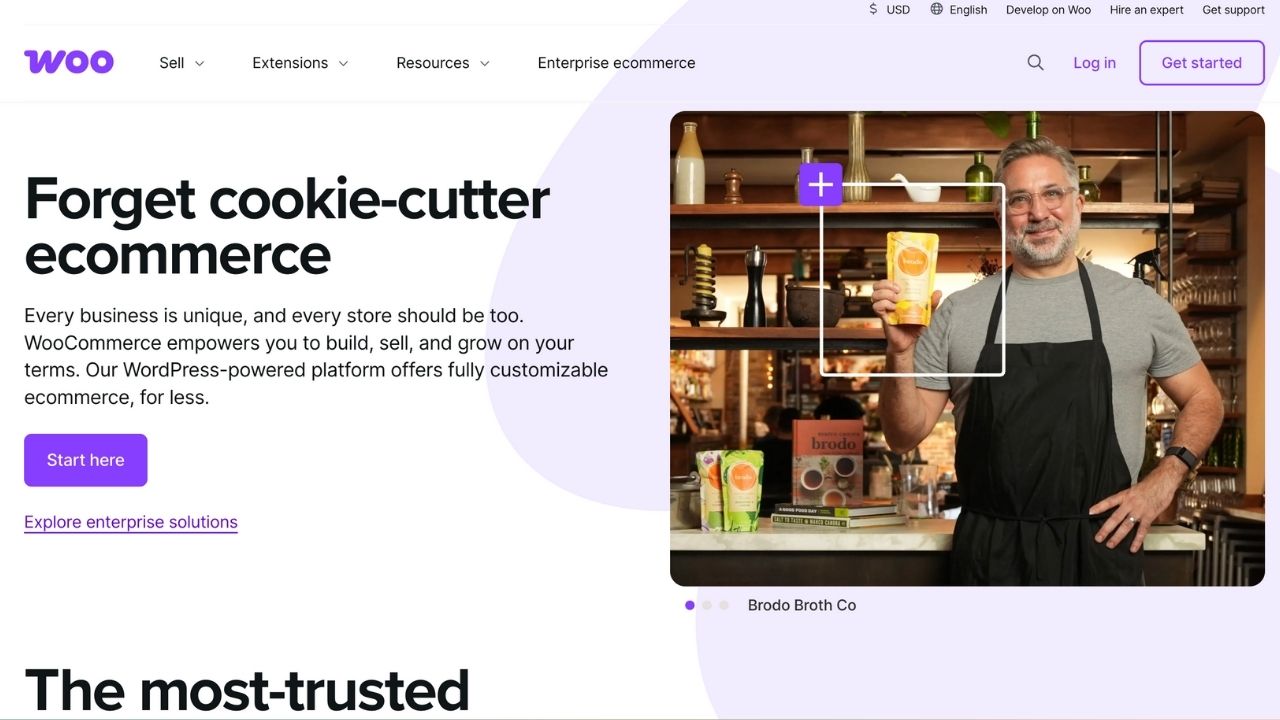
If you’re running WooCommerce, Magento, PrestaShop, or a custom build, there’s no official one-click solution yet. You need to manually implement UCP endpoints and host your own manifest file.
What you have to build:
- A dynamic ucp.json manifest file at https://yourstore.com/.well-known/ucp
- REST API endpoints that respond to agent queries (product search, checkout, order status)
- Security layer (JWT signature verification, input sanitization)
- State machine logic to enforce proper transaction flow (cart → address → payment → order)
Available tools: The WooCommerce community is building plugins (like ucp-connect-woocommerce), but these are early-stage and experimental. You’re essentially beta testing someone else’s code on your live store.
The security risk: If you don’t properly sanitize inputs from AI agents, you’re vulnerable to injection attacks or denial-of-service exploits. If you mishandle cryptographic key storage, an attacker could spoof the Google Agent and inject fraudulent orders or steal customer data.
This path is “sovereign but dangerous.” You control everything, but you’re responsible for security that Shopify merchants get for free.
Quick Platform Comparison
|
Platform |
Setup Difficulty |
Security Risk |
Time to Live |
Best For |
|
Shopify |
Low (configuration) |
Very Low |
1-2 weeks |
Most sellers |
|
WooCommerce |
High (manual coding) |
High |
1-3 months |
Technical teams only |
|
Custom Build |
Very High |
Very High |
2-6 months |
Enterprises with dev resources |
Bottom line: If you’re on Shopify, get this done. If you’re on WooCommerce, wait for mature plugins or hire a developer who understands API security. Don’t try to “vibe-code” this yourself unless you’re comfortable debugging authentication failures and potential data breaches.
Why Your Product Data Just Became More Important Than Your Website
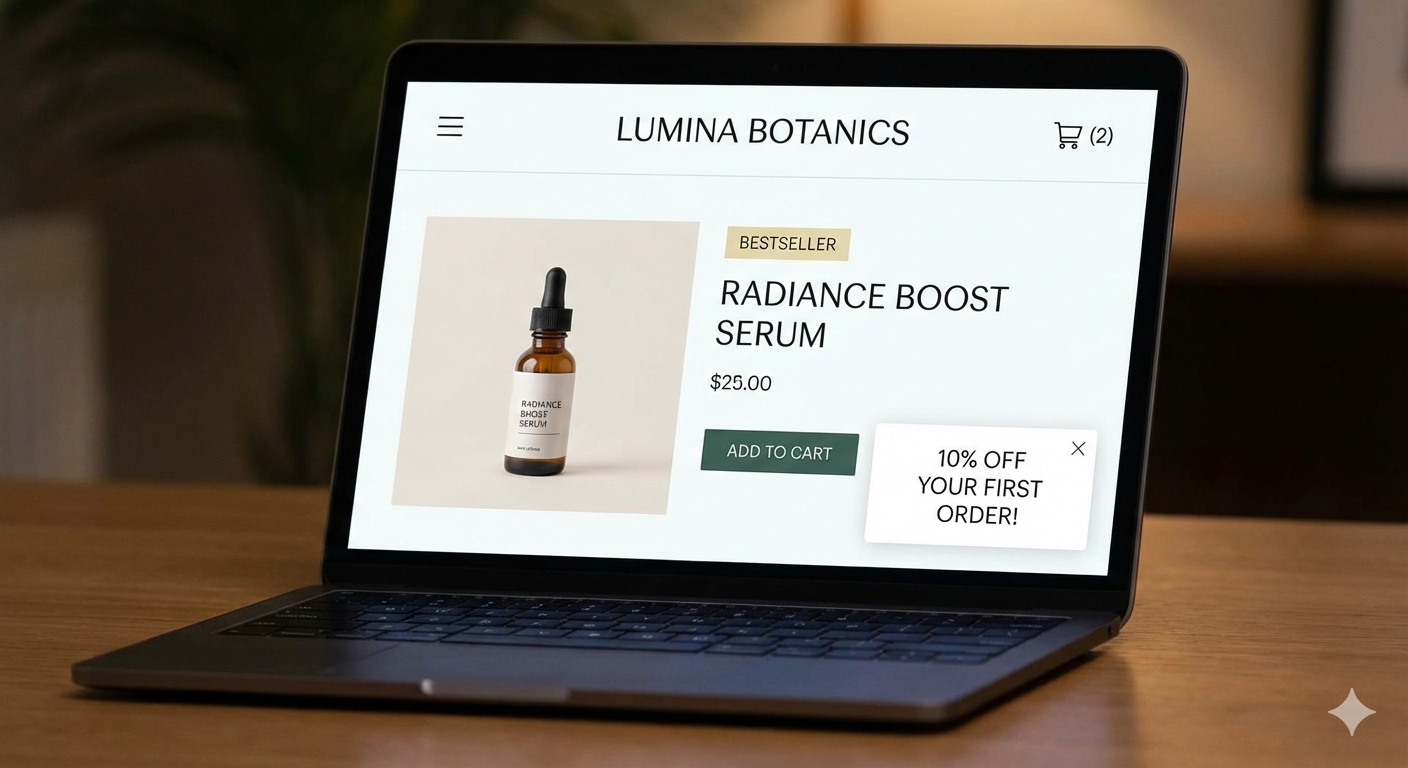
This is the single biggest operational shift you need to make. In agentic commerce, your product feed is your storefront.

The AI Can’t See Your Website Design
An AI agent doesn’t experience your brand the way a human does. It can’t see your hero image or read your mission statement. It reads JSON. Specifically, it reads the structured attributes in your Google Merchant Center feed.
What the AI evaluates:
- Title and description (must be clear, not clever)
- Attributes: size, color, material, weight, dimensions
- Compatibility info: works with X, replaces Y
- Usage scenarios: “ideal for outdoor use,” “machine washable”
- Q&A pairs: common questions and answers
- Shipping data: zones, costs, delivery times
- Inventory status: in stock vs. backordered
If two products are functionally identical but one has 90% of attributes filled and the other has 40%, the AI will recommend the complete listing every time.
New Attributes You Need to Add Right Now
Google added dozens of “conversational commerce” attributes in 2025. These are fields specifically designed to help AI agents answer customer questions.
High-priority additions:
- Product questions: “Is this quiet?” “Will it rust?” “Can kids use this?”
- Compatible accessories: “Works with Model X,” “Pairs with Item Y”
- Product substitutes: “Similar to Brand Z’s Product”
- Care instructions: “Hand wash only,” “UV resistant”
- Certifications: “USDA Organic,” “Energy Star”
Most sellers have been ignoring optional fields for years. That laziness is now a competitive disadvantage.
Check out the Complete Product Data Optimization Guide!
The “Golden Record” Standard
Industry analysts are projecting that stores with 99.9% attribute completion (called a “Golden Record”) will see 3-4x higher visibility in AI recommendations compared to stores with sparse data.
Think about it: if the AI has to choose between recommending your product with missing specs or a competitor’s identical product with complete data, it’s going to pick the one that lets it answer follow-up questions confidently.
Action item: Audit your top 20% of SKUs by revenue. Fill every single optional attribute. Then expand to the rest of your catalog.
Real-Time Inventory and Shipping Requirements
Here’s where things get technical. AI agents need certainty. A human might tolerate “usually ships in 1-2 weeks,” but an agent can’t calculate a delivery date with that vagueness.
What breaks AI visibility:
- Inventory sync delays (agent sells an out-of-stock item → error → trust penalty)
- Ambiguous shipping (“contact us for international rates” → excluded from international queries)
- Missing delivery estimates
- Generic “in stock” without quantity
Your inventory feed needs to sync with Google Merchant Center in near real-time. If you sell an item out of stock and the AI tries to buy it, you get hit with a MERCHANDISE_NOT_AVAILABLE error. Too many of these and the agent starts deprioritizing your store.
Minimum standard:
- Inventory updates every 30 minutes for high-velocity items
- Precise shipping zones with calculated rates (not flat rates)
- Lead times for made-to-order items
- Backorder status if applicable
Save Yourself the Headache and Let us Handle Your Fulfillment!
See How Using a 3PL for saves eCommerce sellers time. Get a Free Quote from eFulfillment Service Today!
Setting Up Your Business Agent
Getting your Business Agent live is simpler than implementing UCP itself, but there are specific requirements.
Eligibility Checklist
Before you can activate Business Agent, verify you have:
|
Requirement |
Details |
|
Location |
United States only (global rollout coming in 2026) |
|
Google Merchant Center |
Verified and active account |
|
Brand Profile |
Claimed on Google Business |
|
Inventory |
Minimum 50 approved product offers |
|
Feed Quality |
No policy violations, accurate data |
That 50-product minimum filters out thin affiliate sites and dropshippers. If you’re below that, focus on expanding your catalog or getting existing items approved.
Customizing Your Agent’s Voice and Personality
This is where you inject your brand back into the transaction. The AI interface is generic by default, but you can customize it to sound like your company.
Configurable elements:
- Tone settings: Formal, friendly, enthusiastic, helpful
- Welcome message: First thing customers see (“Hi! I’m here to help you find the perfect handmade rug.”)
- Conversation starters: Suggested questions (“Ask me about our organic cotton sourcing” or “See our custom sizing options”)
- Visual branding: Logo, primary brand color
Example customization: A small family-owned rug company might set their tone to “warm and personal” with a welcome message like: “Hi there! We’re a third-generation rug maker specializing in hand-knotted wool designs. I can help you find something perfect for your space.”
Compare that to a generic corporate tone: “Welcome. How can I assist you with your purchase today?”
The first one builds connection. The second one is forgettable.
What Your Agent Can Actually Do
Your Business Agent can handle:
- Product search and filtering
- Attribute comparison (“Show me all rugs that are machine washable”)
- Availability questions (“Do you have this in blue?”)
- Policy questions (“What’s your return window?”)
- Size and fit guidance
- Checkout initiation
What it can’t do (yet):
- Process returns or refunds (coming in future UCP updates)
- Handle complex custom orders
- Override business rules you’ve set
The agent pulls answers from your Merchant Center feed, your website content, and any uploaded documentation. If you have a detailed FAQ page, the agent can reference it. If your product descriptions are thin, the agent will struggle to answer customer questions.
The Risks You Actually Need to Worry About
This isn’t all upside. There are real risks that you need to plan for.

Security Risks for Manual Implementations
If you’re implementing UCP manually (WooCommerce, custom builds), security is your biggest exposure.
Attack vectors:
- Prompt injection: A malicious agent tricks your system into executing unauthorized actions
- Bot swarms: Automated agents deplete inventory or overload your server
- Spoofed orders: Attackers impersonate Google’s agent to inject fake transactions
- Data harvesting: Poorly secured endpoints leak customer PII
UCP uses detached JSON Web Tokens (JWT) for message verification. Every message from Google’s agent includes a cryptographic signature. Your system must verify that signature against Google’s public key (published in Google’s own UCP manifest).
If you screw this up, you’re vulnerable. If you store your private signing keys insecurely, an attacker who steals them can impersonate your store.
Mitigation:
- Use battle-tested JWT libraries (don’t roll your own crypto)
- Implement rate limiting on UCP endpoints
- Sanitize all inputs from agent requests
- Store keys in secure vaults (not in your codebase)
- Monitor for unusual order patterns
Shopify handles all of this automatically. This is why the platform route is safer for 95% of sellers.

Brand Commoditization Risk
Here’s the existential question: if customers never see your website, can you still build a brand?
In the old model, brand equity came from the entire experience: your site design, your packaging, your story, your content marketing. In agentic commerce, the transaction happens in a generic Google chat interface. Your logo might appear, but the “magic” of your brand is reduced to a chat bubble and a price.
What this means:
- Price becomes a more dominant factor (because differentiation is harder)
- Brand storytelling has to happen in different places (social media, email, post-purchase)
- The Business Agent customization becomes critical (it’s your only brand touchpoint in the transaction)
How to fight commoditization:
- Invest heavily in post-purchase experience (packaging, inserts, follow-up emails)
- Use the Business Agent voice settings to inject personality
- Focus on products with attributes competitors can’t match (exclusivity, customization)
- Build community outside the transaction (newsletter, social, loyalty program)

Margin Compression and Algorithmic Price Wars
Direct Offers creates a structural incentive to compete on price. If you’re selling commodity products, this can get ugly fast.
The dynamic:
- Customer compares similar products in AI Mode
- Shows price hesitation (“Is there anything cheaper?”)
- AI surfaces Direct Offers from multiple sellers
- Lowest price (or best combination of price and quality signal) wins
- Competitors see conversion drop, lower their prices
- Race to the bottom accelerates
Who gets hurt most: Sellers with undifferentiated products and low customer lifetime value. If you’re competing on price alone, Direct Offers will crush your margins.
Who wins: Sellers with high CLV who can afford to lose money on first purchase. If you know a customer will come back and buy again, you can outbid competitors for that initial acquisition.
Strategic defense:
- Differentiate on attributes the AI can measure (quality ratings, certifications, compatibility)
- Use Direct Offers surgically (only for specific products or customer segments)
- Set floor prices you won’t go below (even if it means less AI visibility)
- Build brand loyalty outside the transaction so repeat customers request you by name
Technical Errors That Kill Your Visibility
Unlike traditional ecommerce where an error just costs you one sale, UCP errors can damage your long-term visibility.
High-impact errors:
- MERCHANDISE_NOT_AVAILABLE: Sold something that’s out of stock (hits your reliability score)
- INVALID_SHIPPING_ADDRESS: Your system rejected a valid address (confuses the AI)
- PAYMENT_PROCESSING_FAILED: Gateway issue or bad configuration (breaks trust)
Each error signals to the AI that your store is unreliable. Too many errors and the agent starts deprioritizing you in recommendations, even if your products are perfect matches.
Prevention:
- Test your UCP endpoints thoroughly before going live
- Monitor error rates in Google Merchant Center
- Set up alerts for inventory discrepancies
- Keep a buffer stock for high-velocity items
- Have fallback payment processors configured
Save Yourself the Headache and Let us Handle Your Fulfillment!
See How Using a 3PL for saves Apparel sellers time. Get a Free Quote from eFulfillment Service Today!
What Happens Next: Roadmap and Timeline
UCP is live now, but it’s incomplete. Here’s what’s rolling out next.
Coming in 2026: Global Expansion
Right now, UCP and Business Agent are US-only. Google confirmed global expansion is coming “in the months ahead,” but hasn’t given specific dates.
What this means:
- International sellers should prepare data now
- Translation of product attributes will be necessary
- Multi-currency support will be required
- Regional compliance (GDPR, VAT) must be built in
If you sell internationally, start cleaning up your product data and shipping configurations now so you’re ready when your region goes live.
Post-Purchase Capabilities: Returns and Order Tracking
The current UCP spec covers discovery and checkout. The next phase adds dev.ucp.shopping.order, which lets AI agents handle post-purchase tasks:
- “Where’s my order?” (tracking lookup)
- “I need to return this” (automated return initiation)
- “Can I change my shipping address?” (order modification)
This will reduce support ticket volume dramatically, but it also means your returns process needs to be digitized and UCP-compatible. No more “email us to start a return.”
Additional Payment Methods
Google Pay is the default payment handler right now. PayPal integration is confirmed to follow in the next release. Stripe, Apple Pay, and other processors are likely to be added throughout 2026.
What you need to do: Make sure your payment gateway is listed in your UCP manifest’s payment_config. If you only support one processor and it goes down, the AI can’t complete transactions with your store.
Extended Capabilities: Custom and Niche Features
The UCP standard allows for custom extensions using reverse-domain naming. If you sell products that require specialized configuration (custom furniture, prescription eyewear, made-to-order goods), you can define custom capabilities.
Example:
- Standard capability: dev.ucp.shopping.discovery
- Custom capability: com.yourstore.custom-furniture-configurator
Any AI agent that understands your custom extension can interact with it. This prevents the “lowest common denominator” problem where standards fail to capture niche business models.
Final Words: Making Social Commerce Work for You
The website is no longer the center of your ecommerce universe. The product feed is.
Google’s Universal Commerce Protocol represents a fundamental power shift in online retail. Customers are moving from “search and click” to “ask and buy,” and AI agents are the new gatekeepers of visibility. Your store either speaks their language or it doesn’t exist in their world.
For sellers who adapt quickly, this is a massive opportunity. You get access to a frictionless, high-trust sales channel that bypasses traditional competitive advantages like paid search dominance or website design budgets. A small seller with excellent product data can outrank a major brand with poor data.
For sellers who resist or delay, the risk is invisibility. When the AI can’t understand your inventory or your checkout process throws errors, it recommends your competitor instead.
The good news? You don’t need to master complex protocols or hire a development team (unless you’re on WooCommerce or custom platforms). If you’re on Shopify, this is mostly configuration work. The hardest part is the operational shift: treating your data feed with the same attention you currently give your homepage.
Start with data. Get your product attributes to 90%+ completion. Clean up your shipping settings. Eliminate vague or missing information. Then enable the tools.
The agentic commerce era is here. The question is whether you’ll be visible in it.
Sources
- Google and Retail Leaders Launch Universal Commerce Protocol – InfoQ: https://www.infoq.com/news/2026/01/google-agentic-commerce-ucp/
- New tech and tools for retailers to succeed in an agentic shopping era – Google Blog: https://blog.google/products/ads-commerce/agentic-commerce-ai-tools-protocol-retailers-platforms/
- What UCP Means for Ecommerce SEO – Aleyda Solis: https://www.aleydasolis.com/en/search-engine-optimization/ugc-agentic-commerce-seo/
- Agentic commerce – Shopify Dev Docs: https://shopify.dev/docs/agents
- What is UCP? Google’s open standard for agentic commerce – Techzine: https://www.techzine.eu/blogs/devops/137844/what-is-ucp-googles-open-standard-for-agentic-commerce/
- Under the Hood: Universal Commerce Protocol (UCP) – Google Developers Blog: https://developers.googleblog.com/under-the-hood-universal-commerce-protocol-ucp/
- Get started with Business Agent – Google Merchant Center Help: https://support.google.com/merchants/answer/16410382
- Are Google’s Direct Offers the beginning of the AI-native price war? – Rise at Quad: https://meetrise.com/insights/are-googles-direct-offers-the-beginning-of-the-ai-native-price-war
- Google launches suite of agentic commerce tools – CX Network: https://www.cxnetwork.com/artificial-intelligence/news/google-agentic-commerce-ai-shopping
Implementing Universal Commerce Protocol in WooCommerce – Reddit: https://www.reddit.com/r/woocommerce/comments/1qbly45/implementing_universal_commerce_protocol_ucp_in/
AI commerce rewards those who are ready. Get your systems in place now, and when your video hits the For You page, you’ll be ready to turn that moment into lasting growth! If you need fulfillment solutions for your ecommerce shop, consider working with the eFulfillment service. Sign up to get a free quote today!



0 Comments