Compare Amazon FBA and FBM costs for books, including the hidden long-term storage fees, and learn when a hybrid model or 3PL beats both for growing backlists.
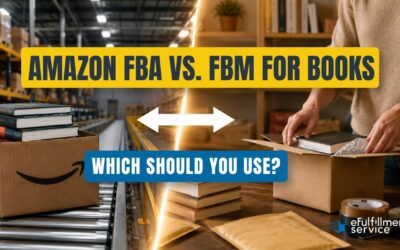
Compare Amazon FBA and FBM costs for books, including the hidden long-term storage fees, and learn when a hybrid model or 3PL beats both for growing backlists.
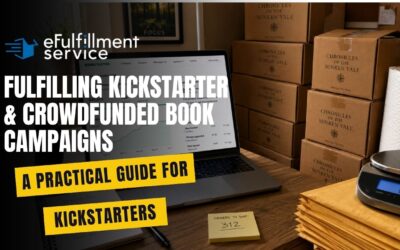
Fulfilling a Kickstarter book campaign? Get the practical guide to realistic timelines, shipping costs, and choosing between DIY, BackerKit, or a 3PL partner.
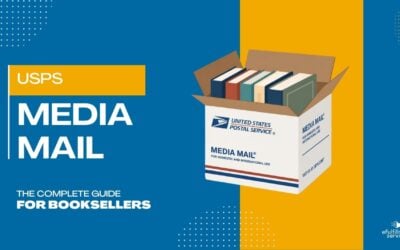
Learn what qualifies for USPS Media Mail, what disqualifies a package, and how it compares to Priority Mail and Ground Advantage for shipping books to readers.
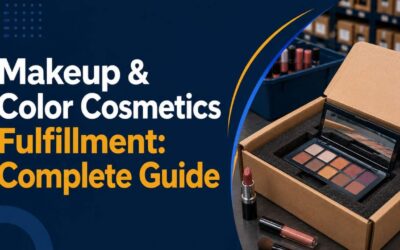
See how makeup and color cosmetics fulfillment works: shade-accurate picking, breakage-proof packaging, batch tracking, and 3PL costs for beauty brands.
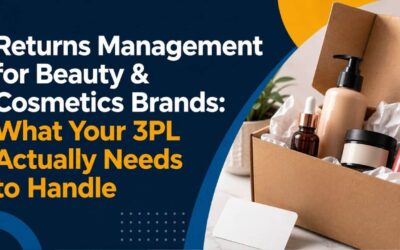
Beauty returns aren’t like apparel returns. See how hygiene seals, shade mismatches, lot tracking, and MoCRA compliance change what your 3PL needs to handle.
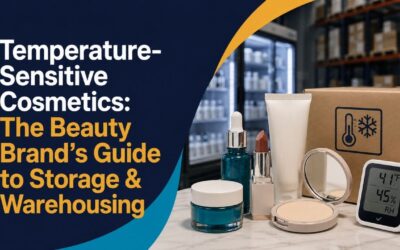
That one-star review isn’t about your formula it’s about fulfillment. Learn how successful beauty box founders scale operations without sacrificing quality or customer loyalty.
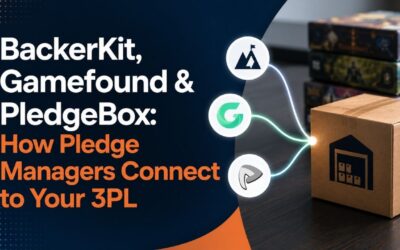
How BackerKit, Gamefound, and PledgeBox export backer data to your 3PL, where that handoff breaks, and what to ask a fulfillment partner before you commit.
Your shipping estimate becomes a promise the day you launch. Use this pre-launch checklist to get the number right before backers pay against it.

How creator and influencer brands scale physical product sales: spike inventory planning, fulfillment models, returns, compliance, and product liability.