USPS just changed how dimensional weight is billed. Get the formula, a worked example, and a free calculator to price shipping before you set reward tiers.
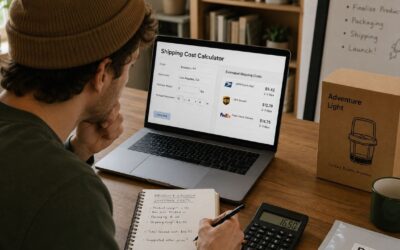

USPS just changed how dimensional weight is billed. Get the formula, a worked example, and a free calculator to price shipping before you set reward tiers.
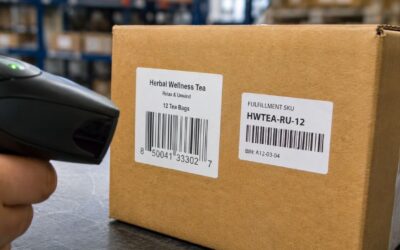
SKU vs UPC vs barcode explained: what each one actually does, real GS1 pricing, barcode types (EAN, FNSKU), and the mix-up that gets listings suppressed.
FDA supplement labeling rules for ecommerce brands: label elements, the DSHEA disclaimer change, and the Prop 65 heavy metal risk most sellers still miss.

Supplement and nutraceutical fulfillment means cGMP compliance, lot tracking, and COA rules most 3PLs miss. See what actually matters before you sign.
DTC fulfillment means shipping directly to customers with no retailer involved. See how it works, real cost ranges, and how to vet a 3PL before you sign.
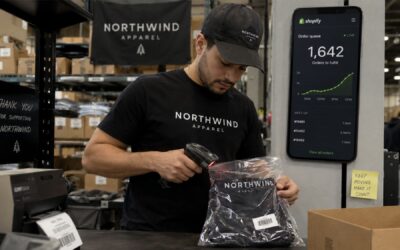
TikTok Shop orders route through Shopify to a 3PL in real time. Covers TikTok’s 95% SLA, viral spike failure modes, and the pre-spike setup checklist for apparel.
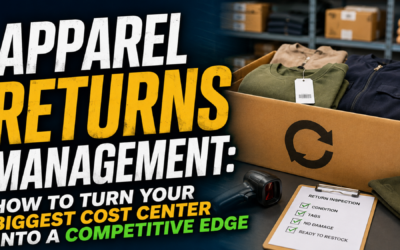
Apparel return rates run 20–40%. Without a process, each return costs ~$30 in labor, inventory lag, and lost sales. Here’s how to build one that actually works.
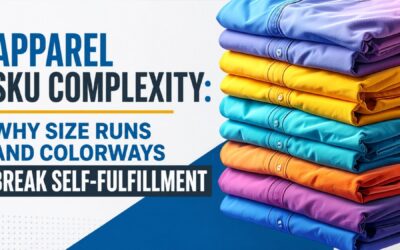
One hoodie in 5 sizes and 4 colors is 80 SKUs. Learn why apparel SKU complexity breaks self-fulfillment — picking errors cluster, inventory drifts, and returns pile up. Plus 6 questions to ask any 3PL.
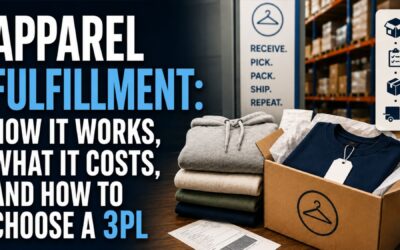
Learn how apparel fulfillment works, what it costs, and how to choose a 3PL. Complete guide for DTC clothing brands doing 100-2,000 orders/month.