
The shipping-ready export from your pledge manager says 1,412 orders. Your 3PL’s intake confirmation says 1,398. Fourteen backers are missing from a batch that ships in nine days, and finding out which fourteen means someone cross-checking two files by hand.
BackerKit, Gamefound and PledgeBox are all good at collecting backer information after your campaign funds: addresses, reward tiers, add-ons, sometimes VAT. None of them pick, pack, or ship a box. That job belongs entirely to your 3PL, and the file that crosses the gap between the two systems is where a lot of crowdfunding fulfillment errors start.
This article covers what a pledge manager hands off and how BackerKit, Gamefound and PledgeBox each move that data differently. It closes with the specific points where creators watch the handoff break.
Kickstarter Shipping Cost Calculator
Size your box, then see whether the shipping you charge backers actually covers what it costs to deliver.
Measure the final packed box — retail packaging, protective insert, and any stretch goal items included. Not the bare product.
Enter length, width, height, and actual weight to see billable weight.
These apply to every box regardless of destination. Postage is handled per region in Step 3.
- Backers
- How many people in that region will get a package. If you haven’t launched yet, estimate — most campaigns land around 60–75% United States. Leave a row blank if you’re not shipping there.
- Postage / parcel
- What the carrier charges you to send one box to that region. This is your cost, not the fee you collect from the backer.
- Where do I find that number?
-
Every carrier publishes a rate chart — a grid of prices by package weight and by how far the box travels. Look up your billable weight from Step 1, find the column for that destination, and use that price.
USPS, UPS, FedEx, and DHL all post current charts on their websites. “Current” matters: rates go up nearly every January.
If you’re working with a fulfillment company, ask them for their rate card instead. They buy shipping in bulk, so their prices are usually well below what you’d pay walking into a Post Office. - Duties and taxes (international rows only)
-
When a package crosses a border, most countries charge an import fee before it can be delivered. Somebody has to pay it, and you choose who:
- You pay it (carriers call this DDP, or Delivered Duty Paid). Costs you more per box, but the backer gets their reward with no surprise bill. If you go this route, add that fee into the postage number here — otherwise this calculator will tell you you’re profitable when you aren’t.
- The backer pays it (DDU or DAP, Delivered Duty Unpaid). Cheaper for you, and the most reliable way to generate angry comments on your campaign page — backers get a bill from the courier before they can collect a reward they already paid for. If you choose this, leave duties out of the number here, but say so clearly on your campaign page.
- You charge
- The shipping fee the backer pays you — whether you collect it inside the pledge amount or later through a pledge manager like BackerKit or PledgeBox.
Fill in a row for each region you’ll ship to. Postage is what one box costs you to send there at the billable weight from Step 1.
What a Pledge Manager Actually Does and Doesn’t Do
A pledge manager’s job runs from “campaign funded” to “data locked.” It collects and confirms what each backer is owed: their address, their reward tier, any add-ons or stretch goals they bought, and the shipping fee or VAT tied to their location.
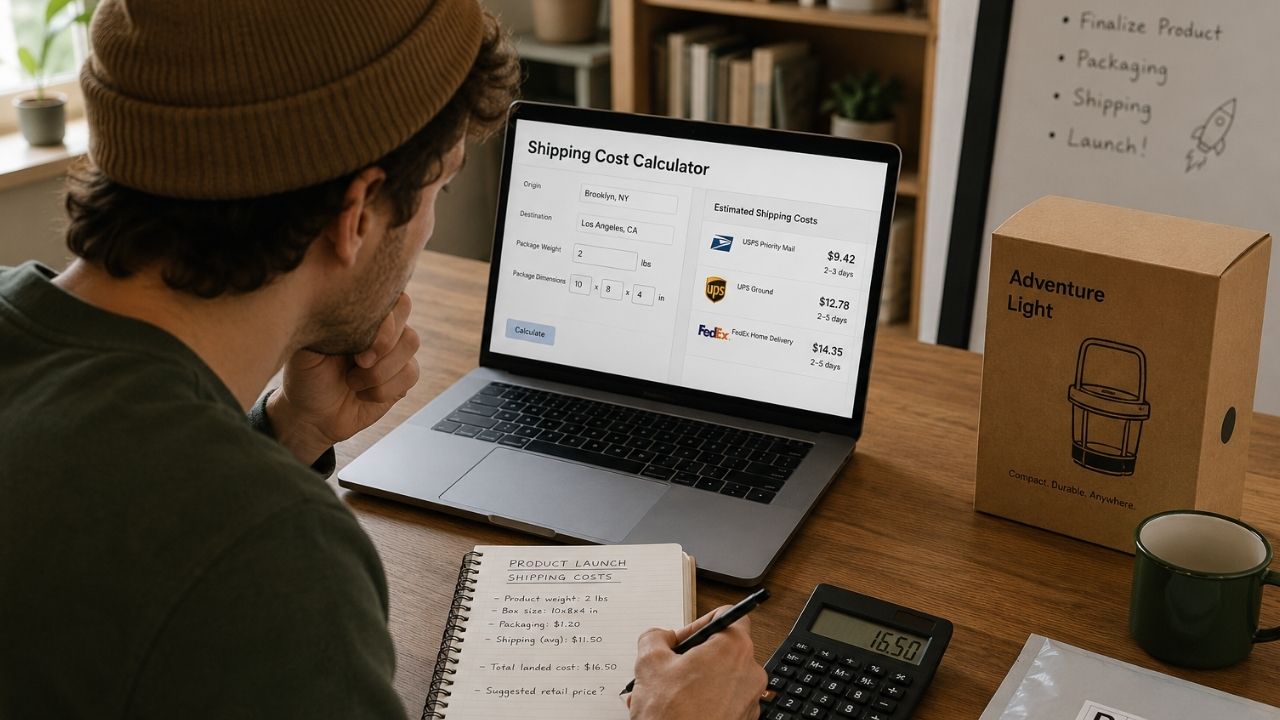
Turning that dataset into a shipment is the handoff, and it’s the part creators budget the least time for. Reward tier design gets weeks of attention. Campaign copy gets rewritten a dozen times. The export format that gets your backers’ orders into a warehouse’s system correctly often gets figured out in the two weeks before the ship date.
Don't wait until the export breaks to find out
eFulfillment Service handles the handoff side of crowdfunding fulfillment directly, reviewing your pledge manager’s export format before your campaign funds instead of after your ship date is already set.
See how eFulfillment Service handles crowdfunding fulfillment →
The Three Ways This Data Actually Reaches Your Warehouse
Every pledge manager connects to a 3PL through one of three mechanisms, and which one you get depends more on your 3PL’s setup than on which platform you chose.
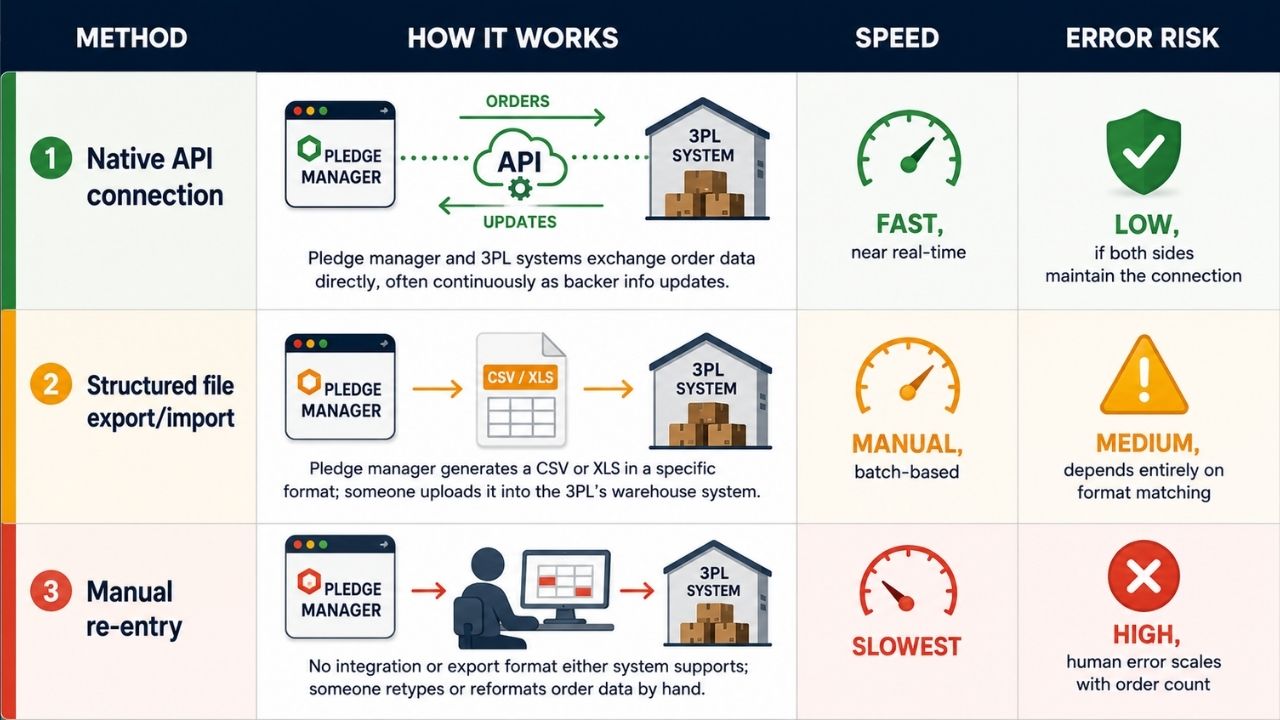
| Method | How it works | Speed | Error risk |
|---|---|---|---|
| Native API connection | Pledge manager and 3PL systems exchange order data directly, often continuously as backer info updates | Fast, near real-time | Low, if both sides maintain the connection |
| Structured file export/import | Pledge manager generates a CSV or XLS in a specific format; someone uploads it into the 3PL’s warehouse system | Manual, batch-based | Medium, depends entirely on format matching |
| Manual re-entry | No integration or export format either system supports; someone retypes or reformats order data by hand | Slowest | High, human error scales with order count |
A native API connection is the least error-prone because the two systems agree on a schema once and then just exchange updates. A file export still works only if the format matches what the 3PL’s system expects: a mismatched column order or a missing SKU field can silently drop or duplicate rows. Manual re-entry is what happens by default when neither side has built anything, and it’s still common enough on smaller campaigns to name as an option, even a bad one.
BackerKit → Your 3PL
BackerKit offers the most mature connection path of the three tools, largely because it’s been the dominant pledge manager the longest.
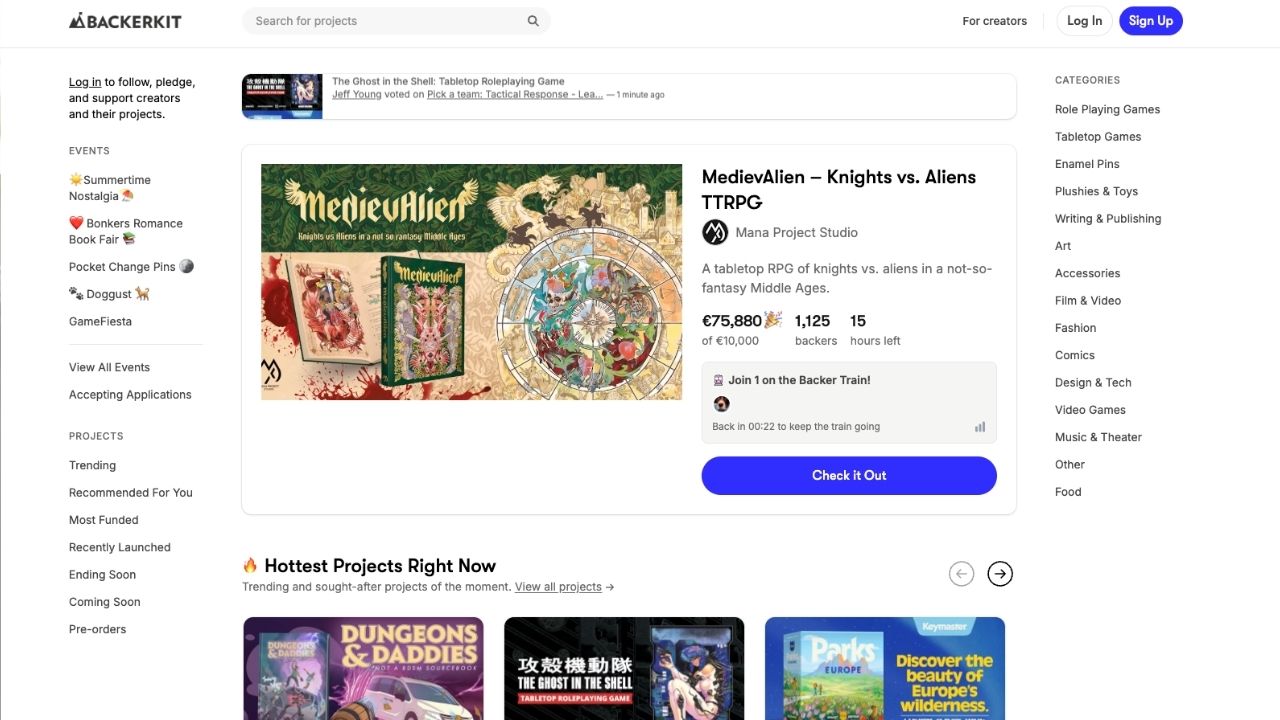
API connection. To link BackerKit directly to a 3PL’s system, you provide the 3PL with your BackerKit Account ID and an API key. Several fulfillment providers have pre-built BackerKit connectors already, meaning the integration work is mostly done before you ever export a file.
File exports. If your 3PL doesn’t have a live connector, BackerKit’s Fulfillment Exports come in a few standard layouts: SKU per Column, SKU per Line, SKU and Quantity Listed. A 3PL asking which format to use usually just means their import process is built around one of these three.
Tracking updates flow back. Once a warehouse ships orders fulfilled through a manual export, tracking numbers get uploaded back into BackerKit in bulk, and backers see them on their order page automatically. That closes the loop without someone emailing tracking numbers to backers individually.
Gamefound → Your 3PL
Gamefound’s fulfillment tooling is newer. The platform’s own product updates describe direct API integrations for fulfillment as a future roadmap item rather than something broadly available today. Right now, the connection runs through structured exports.
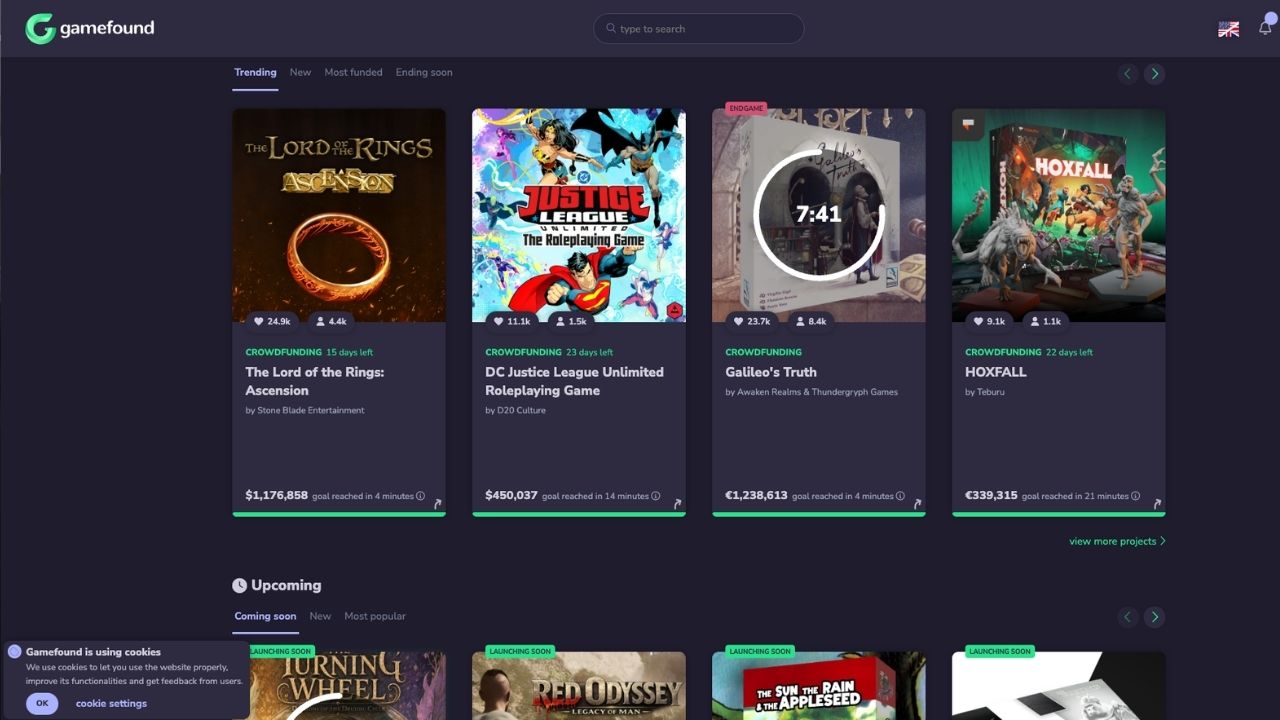
Shipping Hub exports. Gamefound generates XLS or CSV files formatted for whichever shipping hub or 3PL you’re using. These exports have been refined over several product updates, and Gamefound has continued adding new export formats as more fulfillment partners request specific layouts.
Shipping stages. Gamefound’s model for staggered releases, such as an EU batch shipping before a US batch or an add-on wave shipping separately from the base game, is built around “shipping stages.” Your 3PL needs to know explicitly which stage a given export represents, because the file itself won’t always make that obvious.
Shipping configuration is a separate export. Zones, rates, shipping models: each exports and imports separately from the order data itself. That’s a second file your 3PL may need. It’s distinct from the backer order list, and it’s easy to assume one export covers both.
If your campaign has a single, simple shipping wave, Gamefound’s export process is straightforward. If you’re running multiple stages across regions, the coordination burden between exports lands more on you and your 3PL than on the platform.
PledgeBox → Your 3PL
PledgeBox is the newest of the three and takes a different approach. Rather than export raw survey data and leave the 3PL to clean it up, it tries to resolve as much as possible before the file ever leaves the platform.
Pre-cleaned exports. PledgeBox validates addresses against Google Maps at the point of survey submission, rather than after the fact. The resulting file already carries SKU mapping and quantities, plus package rules and region-based shipping instructions, so a 3PL is meant to plug it in without a manual reconciliation pass.
VAT handled in-survey. EU VAT collection happens as part of the backer survey itself, which matters once your campaign’s international share is large enough to make DDP versus DAP an active decision instead of an afterthought.
A different fee model. PledgeBox charges 3% of upsell revenue instead of a flat platform fee, which matters when you’re comparing total cost against BackerKit or Gamefound’s pledge-manager pricing. The fee structure differs as much as the feature set does.
Whether “pre-cleaned” data arrives clean depends on how well backers filled out the survey in the first place. No pledge manager, however good its export, can fix an address a backer entered wrong.
Where the Handoff Actually Breaks

Every failure mode below shows up regardless of which pledge manager you use. The platform just determines how visible the problem is before it costs you a shipment.
- Stale addresses. Surveys often lock weeks or months before the ship date. Backers move. They use a temporary address during the campaign, or they mistype something they never go back to fix. The pledge manager has no way to know an address went stale after it collected it.
- Duplicate or merged pledges. A backer who upgrades their pledge or buys a late add-on after the initial survey locked can end up as two records instead of one. If your 3PL’s system doesn’t merge them, that backer either gets two boxes or one box missing half their order.
- Add-on and stretch-goal SKU mapping. A reward tier isn’t one SKU. It’s a bundle: the base game plus an add-on and a stretch-goal bonus might all ship in the same box, but come from three separate bills of materials. If the export doesn’t spell out that mapping explicitly, the warehouse has to guess, and guessing at volume produces mispicks.
- Multi-wave timing mismatches. Gamefound’s shipping stages and BackerKit’s batch exports both assume someone tells the 3PL which wave a given file represents. If that instruction doesn’t travel with the data, a warehouse can ship a wave early or late, or ship the wrong subset entirely.
-
Customs flags getting dropped. A DDP-versus-DAP decision made inside the pledge manager only matters if it’s attached to every individual order record. If that flag doesn’t survive the export, the wrong customs paperwork goes out, and international backers are the ones who find out first, usually as an unexpected duty bill.
Questions to Ask Your 3PL Before You Commit
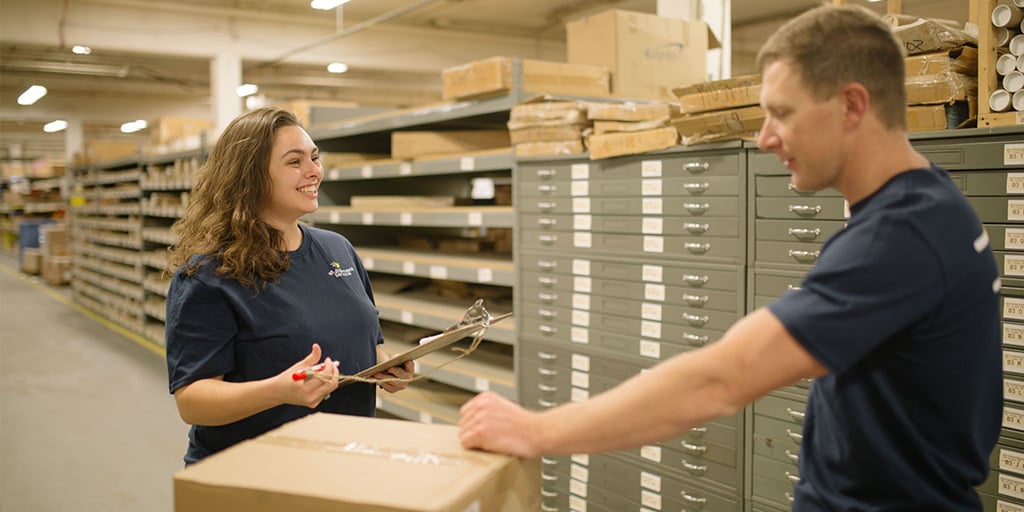
Ask these before you finalize your pledge manager, ideally before your campaign funds:
- Do you already have a connector for BackerKit, Gamefound or PledgeBox? An existing connector beats building one under a shipping deadline.
- If not, which export format do you need, and have you tested it against a real file? “We can work with a CSV” is not the same as “we’ve imported this exact layout before.”
- How do you handle address changes that come in after the initial import? Ask them to describe the actual process rather than give you a yes.
- How are add-ons and stretch-goal bundles mapped to pickable SKUs on your end? This is the question most likely to reveal whether they’ve handled kitting complexity before.
- Can your system support staggered or multi-wave releases, and how do you track which wave a file belongs to? Relevant if you’re using Gamefound’s shipping stages or planning a phased regional rollout.
- Who re-exports the data if something changes close to ship date: you, or them? Get this settled before the answer is “whoever notices first.”
A reward tier isn't a SKU — your warehouse needs to know that
eFulfillment Service builds an explicit bill-of-materials mapping for every add-on and stretch-goal bundle before the first box gets packed, so a guess never turns into a mispick.
FAQ
Do BackerKit, Gamefound, and PledgeBox connect directly to my 3PL’s warehouse system?
It depends on the platform and your 3PL. BackerKit supports a direct API connection using an Account ID and API key, and several 3PLs have pre-built BackerKit connectors. Gamefound and PledgeBox currently rely primarily on structured file exports rather than a live API link, so “direct connection” usually means a well-formatted file rather than a real-time sync.
What file format does my 3PL need from my pledge manager?
There’s no single universal format. It depends on what your 3PL’s warehouse management system was built to import. BackerKit offers several standard export layouts (SKU per column, SKU per line, SKU and quantity listed); Gamefound exports XLS or CSV files formatted for the receiving shipping hub. Confirm the exact format with your 3PL before your campaign funds rather than after.
What happens to backer addresses that change after the survey locks?
This is one of the most common breakage points regardless of platform. None of the three pledge managers automatically detect a stale address after collection. It’s on you and your 3PL to agree on a process for handling late address changes, whether that’s a manual correction request or a re-export before the batch ships.
How do add-ons and stretch goals get mapped into a single shipment?
A reward tier bundles multiple SKUs: the base reward plus any add-ons or stretch-goal bonuses a backer purchased. The pledge manager’s export needs to spell out that bundle explicitly as a bill of materials; otherwise your 3PL’s warehouse has to interpret the bundle manually, which is where kitting errors creep in at volume.
Can I switch pledge managers if my 3PL’s integration isn’t working?
Technically yes, but it’s disruptive mid-campaign. Every backer’s data would need to be re-collected or migrated, which risks introducing exactly the duplicate-record and stale-address problems this article covers. It’s far cheaper to confirm your 3PL’s integration capability before you commit to a pledge manager.
Does my choice of pledge manager affect how DDP or DAP customs are handled?
Yes, but only if the flag survives the export. BackerKit, Gamefound and PledgeBox can all collect VAT or duty preference information from backers, but that decision has to be attached to every individual order record in the file your 3PL receives. If it isn’t, the wrong customs paperwork can go out, and international backers are usually the first to notice.
Key Takeaways
- The pledge manager and the 3PL are two separate systems. They’re connected by an export file or an API key, and sometimes by nothing more than someone retyping rows by hand. A lot of crowdfunding fulfillment errors trace back to that handoff rather than to either system individually.
- BackerKit has the most mature 3PL connection path, with an API-key integration option and pre-built connectors at several fulfillment providers.
- Gamefound’s fulfillment integration is currently export-based rather than API-based. The platform itself describes direct API integrations as a future step, so multi-wave coordination currently depends on clear communication with your 3PL instead of automation.
- PledgeBox tries to resolve data quality before export, validating addresses and mapping SKUs in the survey itself, but a clean export still depends on backers entering good information in the first place.
- A reward tier is a bundle rather than a single SKU. Add-ons and stretch goals need an explicit bill-of-materials mapping in the export, or your warehouse is guessing at pack time.
- Ask your 3PL about their exact connector and export process before you lock your pledge manager. Once your campaign funds and the ship date is set, that leverage is gone.
Which Stage Are You In?
Still choosing a pledge manager. Ask your prospective 3PL which platforms they already have connectors for before you commit. A five-minute question now saves a week of manual reconciliation later.
Survey locked, ship date approaching. Confirm the exact export format your 3PL needs, and get a written answer on how address changes and duplicate pledges get handled between now and the ship date.
Already shipping, and the counts don’t match. If your pledge manager’s export and your 3PL’s intake numbers disagree, that gap is almost always a duplicate record or a dropped row, sometimes a mismapped stretch-goal SKU. It’s rarely lost inventory. A 3PL experienced with crowdfunding batches can usually reconcile it quickly if you can hand over both files.
Whichever stage you’re in, eFulfillment Service works with BackerKit, Gamefound and PledgeBox exports directly. It handles kitting for multi-SKU reward bundles and takes on project-based crowdfunding campaigns without requiring an ongoing monthly commitment. Get a quote and find out exactly what your pledge manager’s export needs to look like before your campaign funds.

0 Comments